How I understand problems, design experiences, engineer solutions, and evaluate whether the product works. Grounded in shipped work, with room for what I’m still learning.
Every method here is a loop. Find the real question, compare possibilities, make the details work, and keep what holds up. Then go around again.
01Understand
UX Research & Discovery
Understand the problem before designing the solution.
When I enter an unfamiliar product space, my first task is to reduce uncertainty: who the users are, what they’re trying to accomplish, where the workflow breaks down, and what evidence supports the problem.
Illustrative workflow
Observation
IDs are copied into a spreadsheet.
Hypothesis
The product may be missing a useful overview.
Next test
Can a comparison view help someone finish the task?
My practice & next steps
Established practice
At WingRep, I recruited pilot users, gathered feedback asynchronously in Slack, and simplified an interaction in response to qualitative feedback.
Intended process
For a new domain, I would choose research around the riskiest unknowns, available access, and the decision we need to make. The six stages below are that working framework.
How I’m developing this practice
I’m making assumptions, evidence quality, and post-shipping reviews more explicit. This is a framework I’m building toward, not a claim of extensive formal research across every project.
01
Frame the problem
What do we need to understand?
Bring the person, task, and constraints into one problem statement.
Start with a specific person, task, and difficulty rather than a proposed feature. Map who uses the product, who buys or supports it, and who can constrain a decision.
Who are the users and stakeholders? What are they trying to accomplish, and how do they do it today?
What are the business objectives and technical, organizational, or regulatory constraints? Which need a domain expert’s input?
What do we know, what are we assuming, and what would successful improvement look like?
Leave with A short problem statement, user and stakeholder map, assumptions and unknowns, initial hypotheses, and observable success criteria. Pick the unknown most likely to change the direction.
02
Gather existing evidence
What can we learn before asking for more?
Keep the source and its limits attached to each piece of evidence.
Inventory evidence with its source, date, audience, and limitations. Look for contradictions as well as recurring signals. An absence of support tickets does not establish an absence of difficulty.
Competitor reviews generate hypotheses; they do not establish the needs or behavior of our own users. AI can organize evidence and suggest leads, but factual claims need checking against primary sources. An AI summary is not a participant or an independent source.
What each source can and cannot establish
Support tickets & user feedback
Can show
Language, breakdowns, and reported friction.
Can’t show
Not prevalence: people who report problems are a selected group.
Analytics
Can show
Instrumented actions, drop-offs, errors, and segments.
Can’t show
Not motivation; missing or faulty instrumentation can mislead.
Prior research
Can show
Earlier findings, questions, and context.
Can’t show
Not necessarily current: check sample, method, and product changes.
Sales & customer success
Can show
Buying concerns and patterns heard in customer conversations.
Can’t show
Not a substitute for observing users; commercial incentives shape the view.
Walkthroughs, documentation & domain sources
Can show
Current rules, terminology, and intended workflows.
Can’t show
Not proof that real work follows the documented path.
Competitors, reviews & communities
Can show
Alternative approaches, vocabulary, and possible unmet needs.
Can’t show
Not evidence about our own users, or a representative sample.
Leave with An evidence log that separates supported observations from assumptions. Use the gaps to decide what direct research is worth doing.
03
Conduct direct user research
What happens in the actual workflow?
Listen to the account of a task, and observe how it happens.
In an appropriate project, I would recruit people who actually do the task, including different experience levels and relevant access needs. Get permission before recording, explain how notes will be used, and collect only what the decision needs.
Use semi-structured interviews: a few consistent topics with room to follow unexpected details. Contextual inquiry means watching someone work in their usual setting. Task analysis breaks that work into steps, decisions, inputs, and handoffs. Watch for workarounds and the mental model behind them.
Ask about a recent concrete event before asking for opinions. A stated preference is a useful report; observing a person struggle or succeed is different evidence. Avoid leading questions such as ‘Would this simpler dashboard help?’
Can you walk me through the last time you completed this task?
Which part usually takes the longest?
What do you do when something goes wrong?
What information do you need before you feel confident proceeding?
What are you currently doing outside the product to finish this workflow?
Leave with Permissioned notes of tasks, context, observed behavior, reported needs, and workarounds. Record who was missing from the sample and what remains uncertain.
04
Synthesize findings
Which problems deserve action?
Group observations into patterns, then choose an opportunity to pursue.
Choose a technique because it helps answer a question. A map is useful when it changes a decision; it is not a required ceremony.
Journey map: lay out steps, handoffs, and breakdowns when the problem crosses screens or teams. Decide where an intervention belongs.
Affinity map: group related notes when many observations are hard to compare. Name recurring themes while preserving contradictory cases and links to source notes.
Severity and frequency: distinguish an occasional blocker from a frequent annoyance. Counts describe this sample, not the whole population; a rare accessibility blocker can still be urgent.
Evidence to opportunity: keep observation (‘they copied IDs into a spreadsheet’), hypothesis (‘the product lacks a usable overview’), and recommendation (‘try a comparison view’) separate.
Prioritize: weigh user impact against effort, uncertainty, and risk. Choose what to explore now, defer, or investigate further.
Leave with A small set of opportunities, each tied to evidence, affected users, confidence, and the next decision. Keep unanswered questions visible.
05
Explore and validate solutions
Can people do the important task?
Move from a rough direction to a task someone can try, then revise.
Explore multiple directions before committing. Use a sketch or low-fidelity prototype to test structure; use a detailed or working prototype when real interaction, content, or platform behavior is the uncertainty.
For task-based usability testing, give a realistic goal without describing the clicks. Observe completion, hesitation, recovery, and misunderstandings; ask neutral follow-ups. Compare alternatives against the same task and acknowledge learning or order effects.
Include keyboard access, assistive technology where appropriate, small screens, missing data, errors, and recovery. A prototype can expose usability problems without proving demand or business impact.
Leave with A decision record: what changed, which evidence influenced it, and what still needs checking. Time-box research around consequential uncertainty; small reversible decisions need less evidence than costly commitments.
06
Ship and measure
Did the change help in real use?
Review the signals after release and carry the next question forward.
Align with engineering on scope, instrumentation, and a safe release. Define observable success before shipping: task completion, error and recovery rates, relevant adoption, or support themes. Set a baseline and review window when data is available; define what would justify rolling back.
Ship incrementally, inspect qualitative feedback alongside product data, and compare what happened with the original hypothesis. A change after release is not automatically caused by the release: consider audience, seasonality, and other changes.
If the evidence disagrees, revise the hypothesis, iterate, or reverse the decision. Research continues after shipping; new behavior and new users create new questions.
Leave with A post-shipping review with the original hypothesis, evidence, limitations, and a next action. Feed what remains uncertain back into discovery.
02Explore
UI Design & Visual Practice
Develop taste through observation, experimentation, and critique.
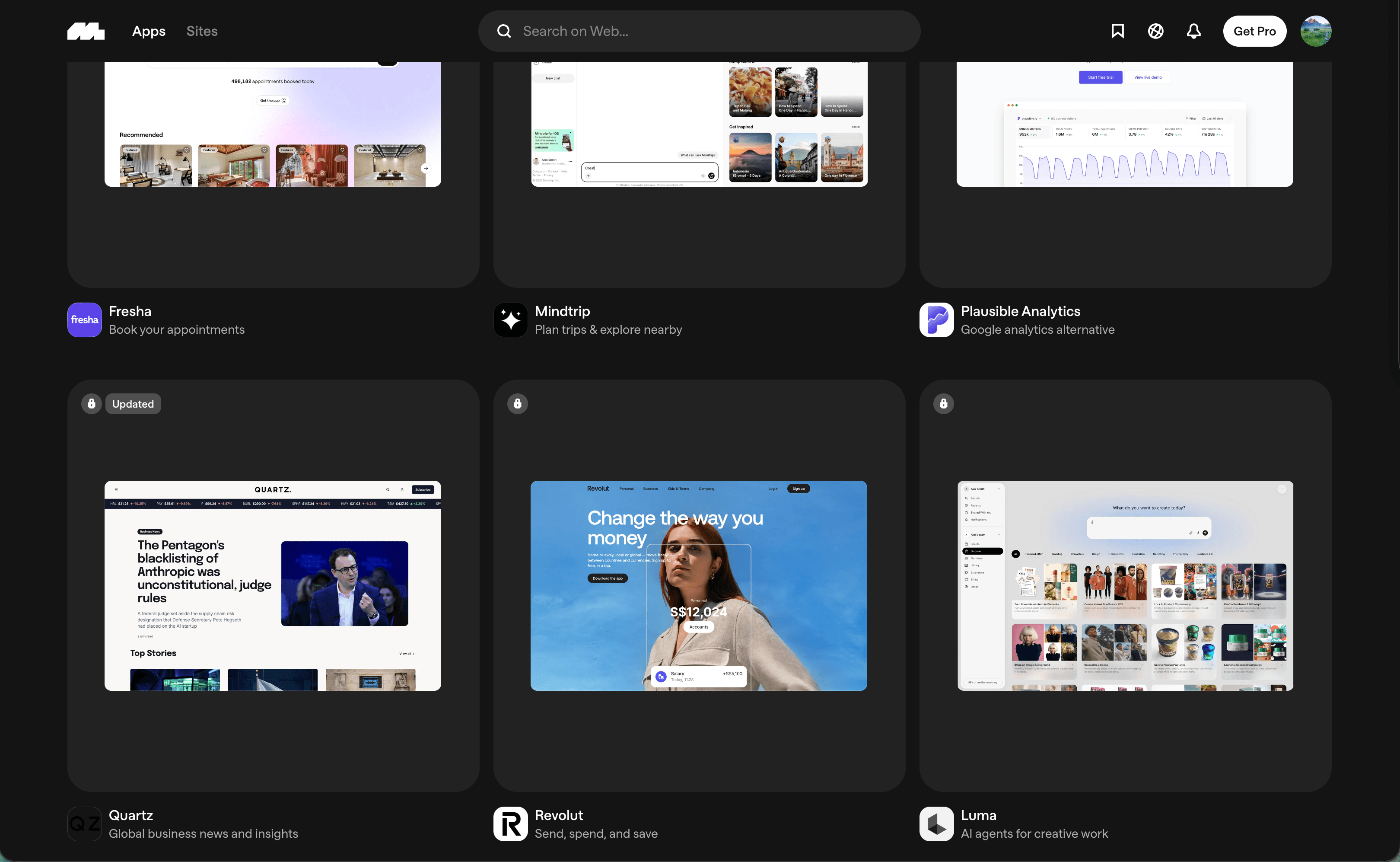
I want to be able to explain why an interface works, not just recognize that I like it. Studying products, comparing alternatives, and testing real interactions gives visual judgment something concrete to work with.
My practice & next steps
Established practice
I use Figma, Claude Design, Codex, and working code to explore interfaces, compare AI-assisted variations, combine useful elements, and iterate against feedback and technical constraints.
Intended process
For each reference or design direction, connect visual choices to the user’s task, product context, platform, and implementation cost.
How I’m developing this practice
I’m turning informal observation into written analysis and a monthly review. The resources below are a starting reading list, not a claim that I already use every one regularly.
01
Study excellent existing products
What makes this interface work?
Look through the interface to its hierarchy, spacing, and feedback.
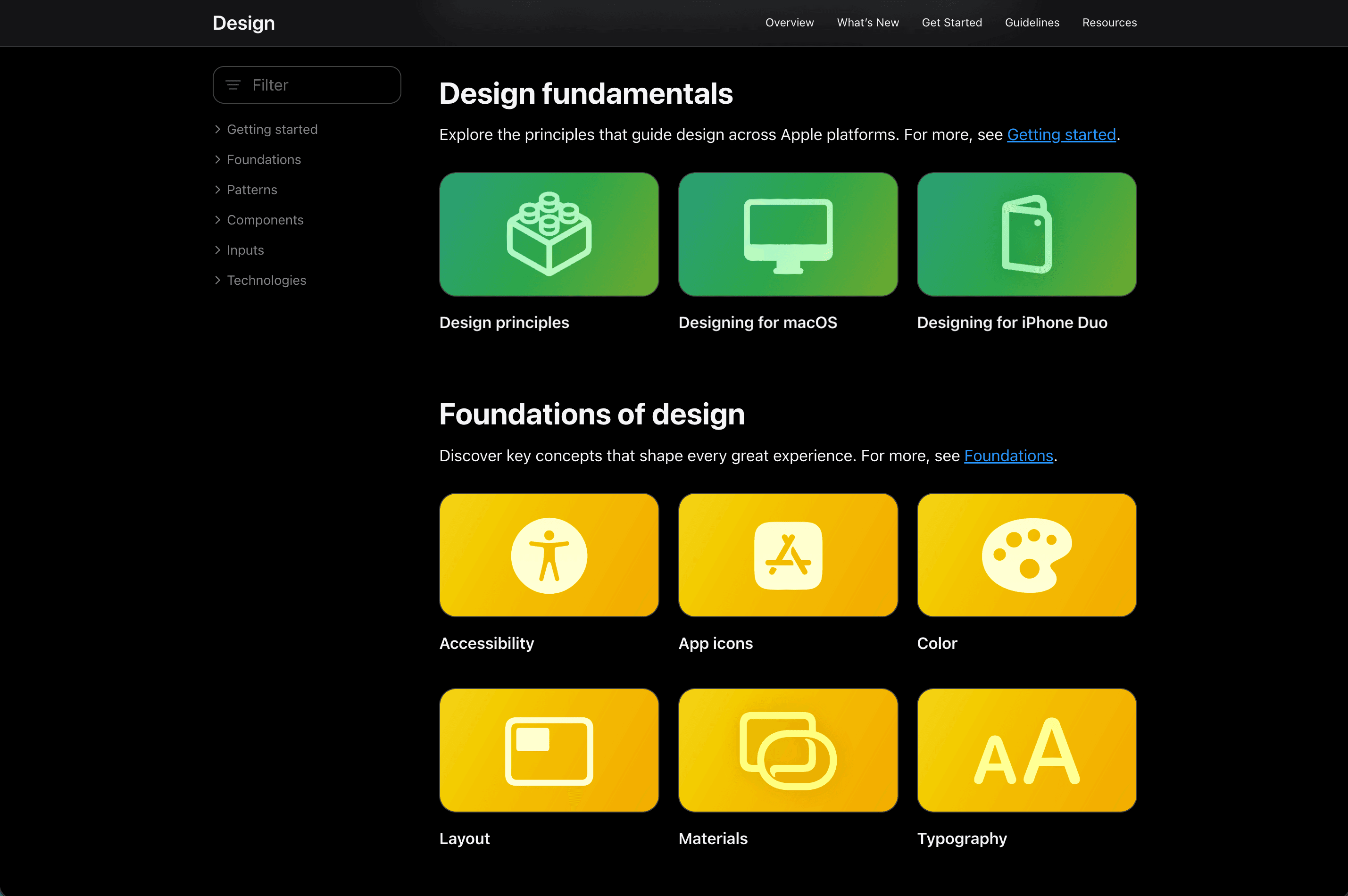
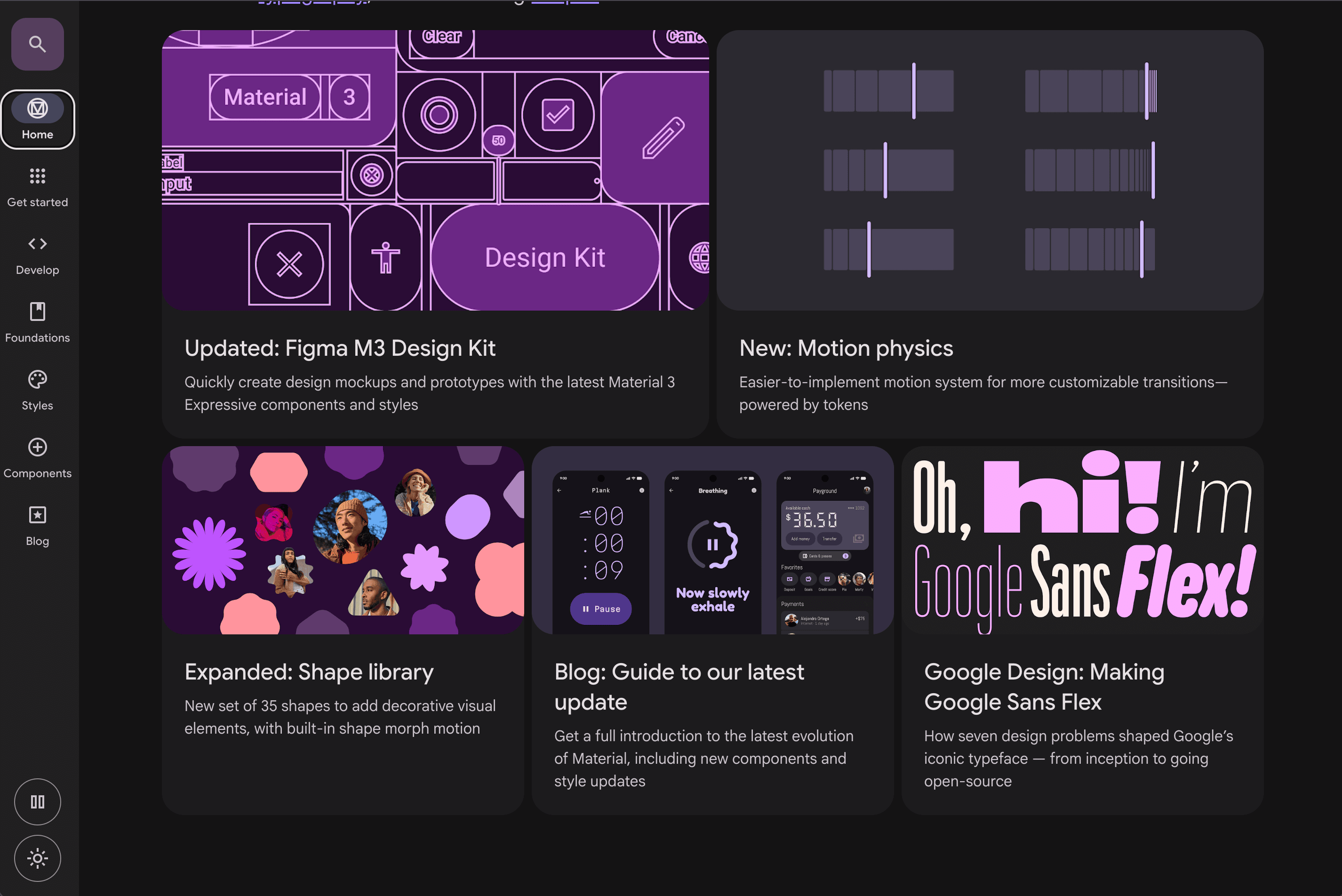
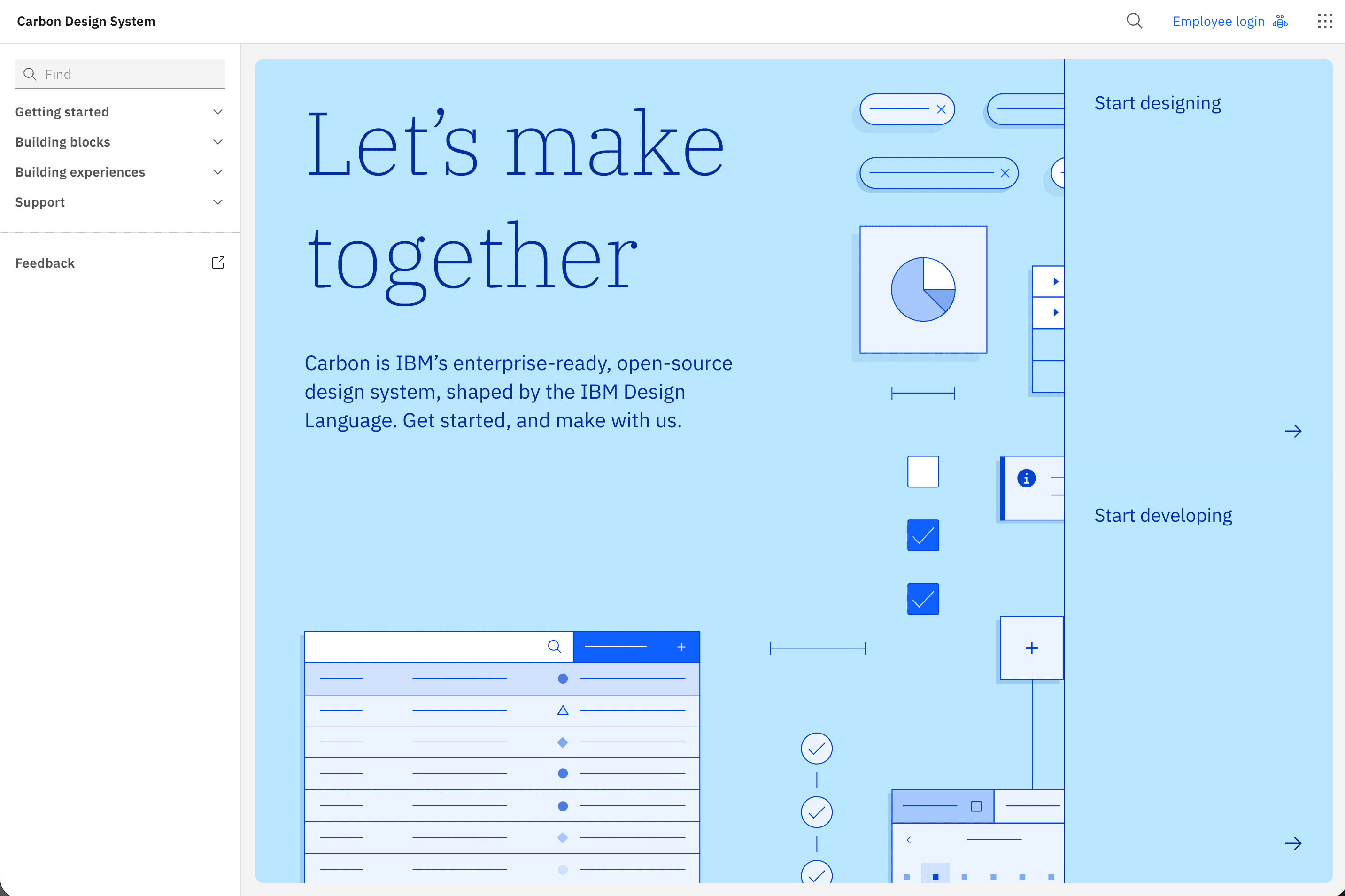
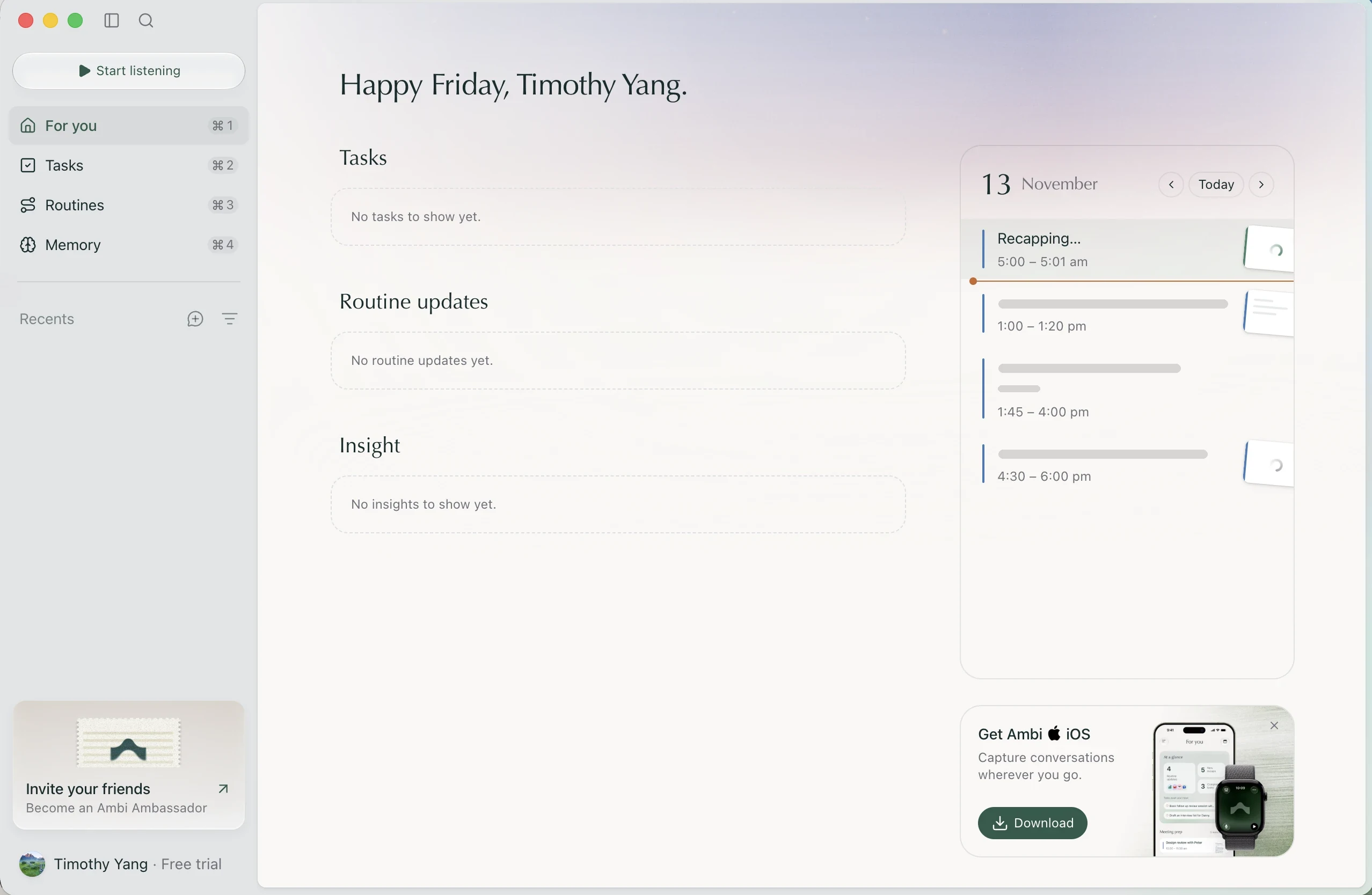
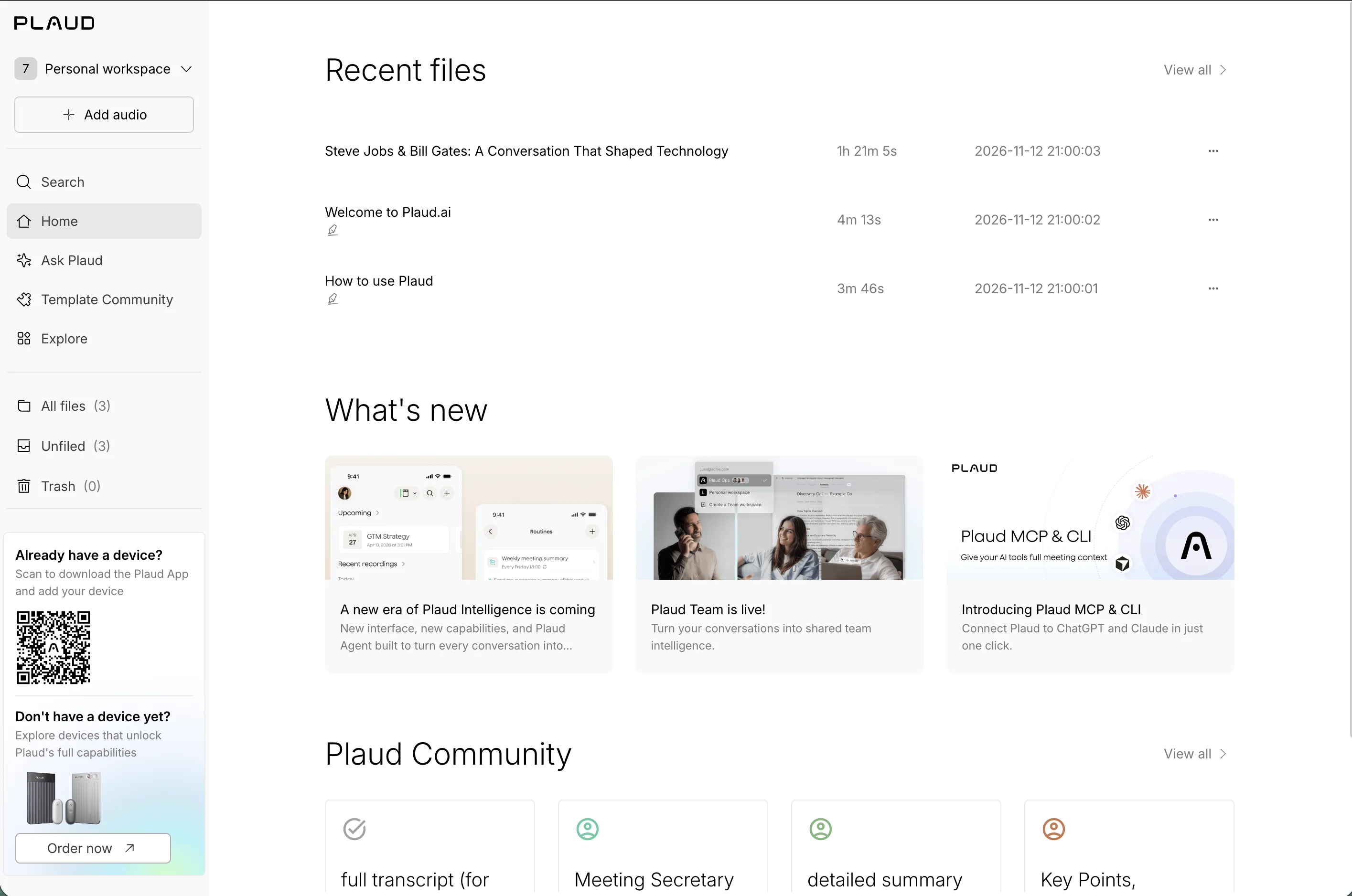
Study a complete task rather than a screenshot alone. Follow the hierarchy, navigation, forms, spacing, and typography through the workflow. Resize it; inspect empty, loading, and error states; try keyboard navigation; notice feedback, motion, and recovery.
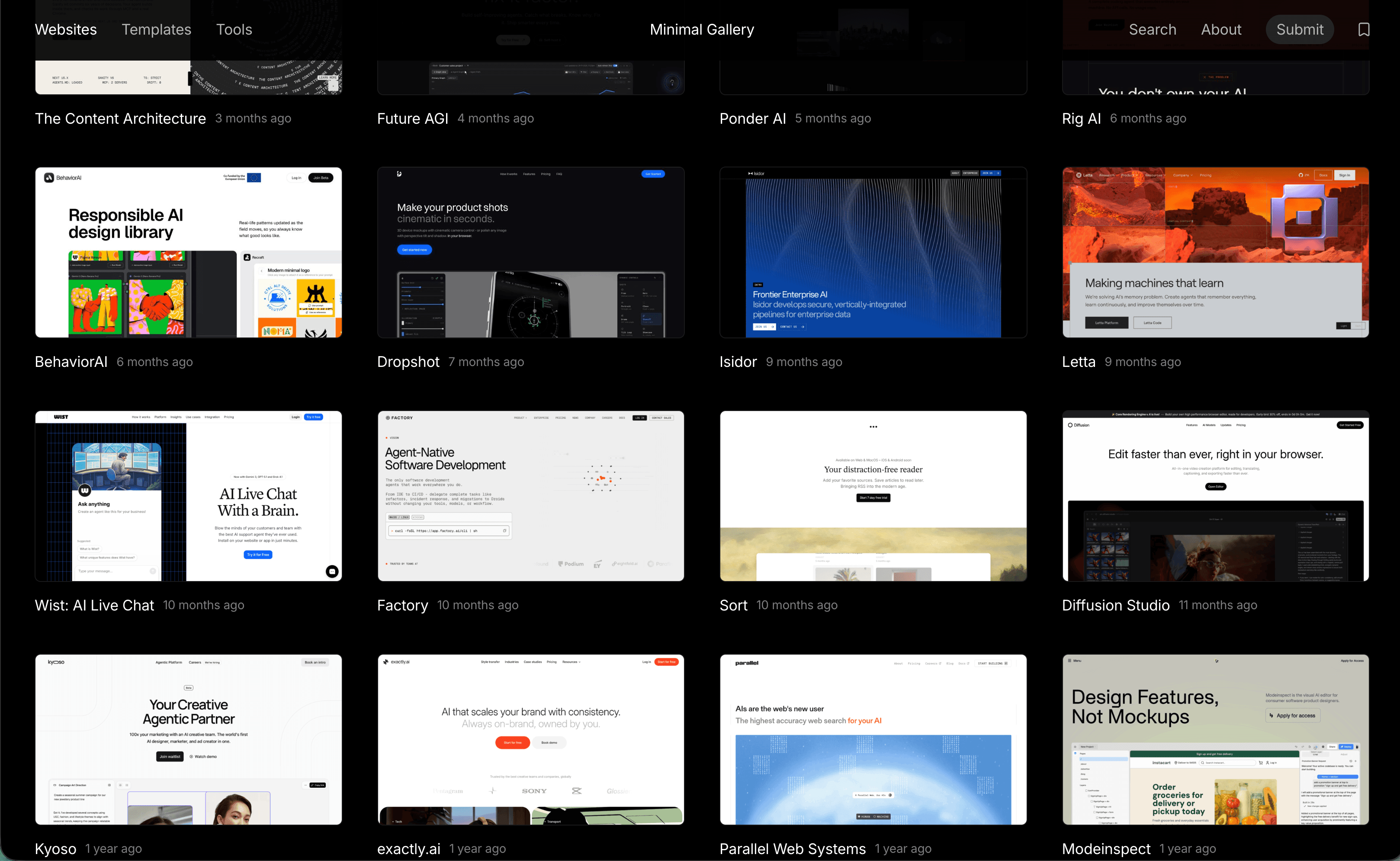
Compare complex workflows and cross-platform versions. A native convention may be the right answer on one platform and an awkward transplant on another. Foundational guidance helps explain constraints; inspiration galleries expand the set of possibilities. Neither replaces testing in context.
Leave with One annotated observation with a source, context, tradeoff, and a question to test. The reference list separates guidance from galleries.
02
Maintain a design observation practice
What can I take away from this?
Save the reasoning alongside the reference.
My next step is to keep fewer, better notes: capture the source and date, then write down the reasoning that a saved screenshot cannot preserve. Use the inspiration analysis template below for each entry.
What is the product and user context? What problem is this interface solving?
What works particularly well, and what tradeoffs make it possible?
Which interaction patterns could be reused? What would not transfer to my product?
What could be tested or explored further?
Leave with A structured observation tied to a product question. Revisit it during actual design work rather than collecting references indefinitely.
03
Explore multiple design directions
Which direction earns its complexity?
Compare distinct directions against the same task and constraints.
I use Figma, Claude Design, Codex, and working code to compare layouts and interactions. AI-assisted tools can generate alternatives quickly, but those alternatives are exploration material. They still need critique, coherent hierarchy, appropriate content, and a functioning interaction.
Identify what works and what fails in each direction. Combine useful elements when they fit together, then test the result in code. Feedback and technical constraints can change the direction; visual polish alone does not settle the choice.
Does this solve the user problem, and is the information hierarchy clear?
Does it follow relevant platform conventions and fit the product?
Is it accessible, including input, focus, contrast, and reduced motion?
Does it introduce unnecessary complexity? Can engineering maintain it?
Does motion explain a state change or provide meaningful feedback?
Leave with A chosen direction, rejected alternatives, reasons, and remaining risks. Keep a simpler version available for comparison.
04
Evaluate emerging design trends
What does this change make possible?
Evaluate a new pattern through usefulness, evidence, and product fit.
I follow developments in design to expand my options, not to adopt novelty for its own sake.
Design Watch is a framework I’m beginning to incorporate. Topics can include SaaS workflows, AI interfaces, adaptive layouts, microinteractions, accessibility improvements, design systems, native conventions, and changes in Figma or design-to-code workflows. These are areas to investigate, not a forecast of what is dominant.
For consequential business software, clarity, reliability, accessibility, and trust may matter more than fashionable presentation. Keep a dated source and distinguish evidence of usefulness from evidence of popularity.
What is changing, and where is it appearing?
What user problem does it address? Is there credible evidence that it helps?
Does it suit this audience? What accessibility or performance tradeoffs exist?
Is it likely to be durable, or mostly a visual fashion? What would a small test tell me?
Leave with A dated watch note with a decision: investigate, test, adopt, or pass. Each month, revisit one observation, compare two approaches, try one small experiment, and record what changed my mind.
03Build
Design Engineering
Turn design judgment into functioning software.
Implementation is part of the design process. Real data, interrupted tasks, platform behavior, and maintenance expose decisions that a polished mockup can leave unresolved.
My practice & next steps
Established practice
My independent apps and professional mobile work connect interface decisions with implementation and release. Everywhen’s public engineering case study documents shared rules and checks across three clients.
Intended process
On a team, align requirements, ownership, data contracts, and validation early, then use small, reviewable changes to check the integrated experience.
How I’m developing this practice
I’m making reusable conventions and decision records clearer for both human engineers and AI coding agents, while keeping the system proportionate to the product.
01
Turn research into implementation decisions
What must be true for this to work?
Connect the intended behavior to explicit states and data needs.
Translate findings into requirements and edge cases. Define the core interaction model: what someone can do, which state changes, what feedback they receive, and how they recover.
Separate the smallest useful release from work that can wait. Identify dependencies, required data, API contracts, permissions, and any assumptions the implementation cannot safely make.
Leave with A scoped behavior specification with acceptance criteria, data requirements, dependencies, and unresolved decisions.
02
Build and iterate
Does the experience hold up in use?
Carry a direction through code into a working interaction.
Prototype in working code when behavior is the question. I use AI coding agents to accelerate implementation, then verify the outcome: UI behavior, test results, and whether it does what the product needs. Generated output is still my responsibility.
Test real interactions through loading, empty, error, and success states. Check responsiveness, keyboard and assistive access, and interrupted flows. Use small, reviewable PRs so decisions and regressions are easier to inspect.
Leave with An integrated increment, evidence from relevant tests and visual review, and a clear list of what is still incomplete.
03
Collaborate with engineering
Are we solving the same problem?
Review one working product together, with clear decisions and ownership.
On team projects, align early on constraints and ownership. Share the reason behind a design alongside its appearance, and make tradeoffs visible. Invite implementation feedback before the direction becomes expensive to change.
Clarify who owns shared behavior and integration. Review and respond to feedback in the working product, avoiding unnecessary handoffs between design and engineering. A component working alone is not proof that the whole task works.
Leave with Shared decisions, clear ownership, and validation of the complete workflow rather than isolated screens.
04
Make successful patterns reusable
What should the next feature get for free?
Let a proven component carry consistent behavior into the next screen.
Extract components when a pattern has proved useful in more than one place. Name design tokens and conventions around their purpose, document states and implementation examples, and keep guidance easy to find for engineers and coding agents.
Improve conventions incrementally. Everywhen’s shared rule fixtures illustrate reusable behavioral agreement; platform-specific interfaces still need their own review. Reuse should preserve meaning without flattening platform differences.
A design system should make shipping better experiences easier, not become an additional bottleneck.
Leave with A reusable component or convention with a real use case, an example, supported states, and a clear maintenance boundary.
04Build end to end
Product Engineering
Building the experience end to end
Product engineering connects customer problems to functioning software. It means understanding the outcome, making technical tradeoffs, building a reliable experience, and learning from what happens after release.
My practice & next steps
Established practice
My public case studies document local task state and optional sync in Untwine, offline-first reads and shared rules in Everywhen, and independent design, implementation, and release in Ice Age Life.
Intended process
The six stages below describe the process I would adapt to a feature’s uncertainty, dependencies, and cost of failure. They are a reference for decisions, not a requirement to produce every artifact.
How I’m developing this practice
I’m making end-to-end workflow analysis, operational questions, and post-release learning more systematic. The external product studies in Field Notes are research plans, not completed investigations.
01
Understand the product problem
Whose outcome are we improving?
Start with the customer, the task, and what a better outcome would mean. Separate the problem from a requested feature, and explain how solving it creates value.
Gather the evidence for the need and write down its limitations. Make business objectives, technical constraints, privacy needs, and assumptions visible before choosing an implementation.
Who is the customer, and what are they trying to achieve?
What is difficult today, and what evidence supports the need?
How would improvement create value, and which constraints shape the first version?
Leave with A problem statement, evidence and assumptions, a bounded outcome, and observable success criteria.
02
Define the end-to-end workflow
What has to happen beyond the screen?
Follow the journey from entry to a useful result. Define interactions and state transitions, including what someone sees when work is waiting, interrupted, rejected, or complete.
Map client and server responsibilities where they exist, data ownership, dependencies, and integration points. A local-only feature does not need an invented backend. Decide which complete path must ship first.
Which data is read, changed, persisted, and retrieved?
What happens on repeated taps, retries, lost connectivity, or partial completion?
Where do permissions, other services, or cross-device state affect the task?
Leave with A workflow and state map, ownership boundaries, failure and recovery paths, dependencies, and a smallest useful release.
03
Evaluate technical approaches
Which tradeoffs matter for this feature?
Inspect the codebase before proposing new architecture. Look for reusable components, services, conventions, and tests. Compare alternatives against the product’s actual constraints.
Clarify the data model, API contracts where needed, performance budget, security boundaries, and privacy requirements. Distinguish decisions that can be reversed cheaply from ones that affect persisted data or external contracts. A small feature may need a short decision note, not an architecture project.
What can we reuse, and what would a new dependency cost to maintain?
What information must be validated, and who can access it?
What should be built now, deferred, or tested with a simpler implementation?
Leave with A proportionate technical decision record: options, constraints, chosen tradeoffs, open risks, and a path to change course.
04
Implement incrementally
Can we verify a complete slice?
Prototype the uncertainty when useful, then break delivery into small, reviewable changes. Coordinate frontend, backend, content, and integration dependencies around a working slice of the task.
Use AI coding agents to accelerate work, then review generated behavior and code. Test the core path and consequential edge cases, error handling, and recovery. Keep accessibility and responsiveness part of implementation rather than a final polish pass.
Does the change work with real interactions and realistic data?
Are loading, empty, error, and success states understandable?
Can a reviewer understand the change and how it was checked?
Leave with A working increment, relevant test and visual evidence, clear review boundaries, and a record of what remains incomplete.
05
Deliver a reliable product
Can people trust the outcome?
Reliability is part of the experience: a reassuring confirmation must correspond to durable, correct state. Test important rules and integrations, inspect performance on relevant devices, and check that failure is understandable and recoverable.
Choose observability for the questions you need to answer: useful error reporting, appropriate logs, and signals for failures or slow paths. Avoid logging sensitive content. Check authorization, data handling, and dependencies where relevant. Plan an incremental release, rollback or recovery strategy, and compatibility with stored data.
How would we detect, diagnose, and recover from a failure?
Can retries duplicate work or corrupt data? What happens during a partial outage?
What must be true before release, and what signal would trigger a rollback?
Leave with A release checklist, meaningful diagnostics, tested recovery, and a rollback or forward-recovery plan proportionate to the risk.
06
Measure and iterate
Did the product improve the intended outcome?
Define success before release. Use appropriate product analytics, support themes, customer feedback, task observation, or reliability signals. Choose measures that connect to the outcome, and record what is not instrumented.
Compare expected and observed results without assuming the release caused every change. Identify friction, prioritize the next improvement, and document what changed your understanding. New evidence can send the work back to problem framing, design, or implementation.
What happened to task completion, errors, recovery, or relevant adoption?
Which feedback contradicts the original hypothesis?
What should we keep, revise, investigate, or reverse?
Leave with A post-release review with evidence, limitations, lessons, and a next decision. Feed the remaining uncertainty into the next loop.
Applied practice
In practice
WWingRepUnderstand
Letting go of an interaction I liked
Pilot users gave feedback over Slack. A simpler survey beat the emotion picker I’d designed and built, so the picker went.
Copy a starting point into your notes, or open it to read the prompts.
QuestionEvidenceNext step
01
Frame a new product
Define the problem, assumptions, and what success means.Open templateClose template
Project / date / decision owner:
Decision we need to make, and by when:
Users, stakeholders, and who is missing:
Task and current workflow:
Problem statement: [person] struggles with [task] because [evidence].
Business objective:
Technical / organizational / regulatory constraints:
Known facts and source links:
Assumptions and unknowns:
Hypothesis: if we [change], then [observable result], because [reason].
Success criteria and baseline:
Riskiest unknown / next evidence to collect:
Smallest useful next step:
02
Plan a user interview
Prepare questions about someone’s real workflow.Open templateClose template
Research question / decision this will inform:
Participants: who does this task? Who might we overlook?
Recruiting plan / access needs:
Consent / recording / note handling:
Context: tell me about your role and when this task comes up.
Recent task: walk me through the last time you did it.
Probes: what happened next? What took longest? What went wrong?
Workarounds: what did you do outside the product?
Confidence: what information did you need to proceed?
Observe a real task if appropriate and permissioned.
Separate observed behavior from reported preferences.
Close: what did I miss? May we follow up?
Afterward: notes, contradictions, gaps, next question.
03
Make sense of research
Connect observations to problems and next steps.Open templateClose template
Question / decision:
Sources, dates, participants, and sample limitations:
Observation (what happened; link to evidence):
Reported preference (what someone said):
Theme / contradictory cases:
Affected task / user group:
Severity / frequency within this sample:
Hypothesis (what might explain this):
Opportunity / recommendation:
Impact / effort / uncertainty / risk:
Decision now / evidence still needed / owner:
What would change our mind?
04
Study an interface
Follow a task, explain the design choices, and plan a small test.Open templateClose template
# Design observations

Study an interface. Keep the reasoning.

## 1. Choose one task

Follow one real task to the end.

### Product, platform & source
[Product, link, date.]

### Task & context
[Who wants what, and what counts as done?]

## 2. Notice the decisions

Where does attention go? What signals the next step? Check loading, empty and error states.

### What did you notice?
[Two or three concrete choices.]

### Why might those choices help?
[Tie each choice to the task.]

## 3. Name the tradeoffs

What does it gain, and what does it give up?

### What does it cost?
[Density, discoverability, recovery, access, performance.]

### What could transfer?
[One principle, and why it might need adapting.]

## 4. Keep a takeaway

Keep one principle or open question.

### What will you carry forward?
[A principle, a question, or a small test.]

### What remains open?
[What could change your mind?]

Further reading:
Stanford CS147 · Design Discovery (2022, PDF)
https://hci.stanford.edu/courses/cs147/2022/wi/lectures/02-design-discovery.pdf
05
Compare design directions
Choose between alternatives using the same criteria.Open templateClose template
Task / user problem / constraints:
Directions A / B / simpler baseline:
For each direction:
- Does it solve the task? Is the hierarchy clear?
- Platform conventions and product consistency?
- Accessible input, focus, contrast, and reduced motion?
- Loading, empty, error, and recovery behavior?
- Does motion communicate anything useful?
- Complexity, performance, and maintenance cost?
Evidence: observed / reported / assumed:
Chosen direction and why:
Rejected directions and tradeoffs:
Remaining risk / next test / decision owner:
06
Review a release
Check what improved, what didn’t, and what to change next.Open templateClose template
Change / release date / review window:
Original problem and hypothesis:
Success criteria / baseline / data quality:
Task completion / errors / recovery:
Adoption or other relevant outcome:
Support themes and direct feedback:
Accessibility or unexpected regressions:
What agrees or conflicts with the hypothesis?
Other changes that could explain the result:
Evidence limitations:
Keep / iterate / reverse, and why:
Next question / owner / review date:
07
Reflect on a month
Keep track of experiments and what changed your mind.Open templateClose template
Month / product question I’m working on:
One interface observation revisited (source / date):
Two approaches compared, and their tradeoffs:
Design Watch: what is changing, and where?
User problem / credible evidence / audience fit:
Accessibility and performance tradeoffs:
Durable pattern or visual fashion? Why?
Decision: investigate / test / adopt / pass:
One small experiment and what happened:
What changed my mind:
What I will apply / stop / investigate next month: